Add Project Dependencies
An AI Training will have several package dependencies. For example, our training script might use torch.
This page describes the pythonPackage and packages option. You may also find all options in the Nix AI Search.
Adding Python Packages
Define the Python dependencies your training scripts need here. If you are using torch for example, you might want to add this here.
...
outputs = { nix-ai, ... }: nix-ai.lib.mkFlake {
  # Define required Python packages
  pythonPackages = [
    "torch"
    "pillow"
    "torchvision"
    "tqdm"
  ];

 ...
Finding Nix Python Packages
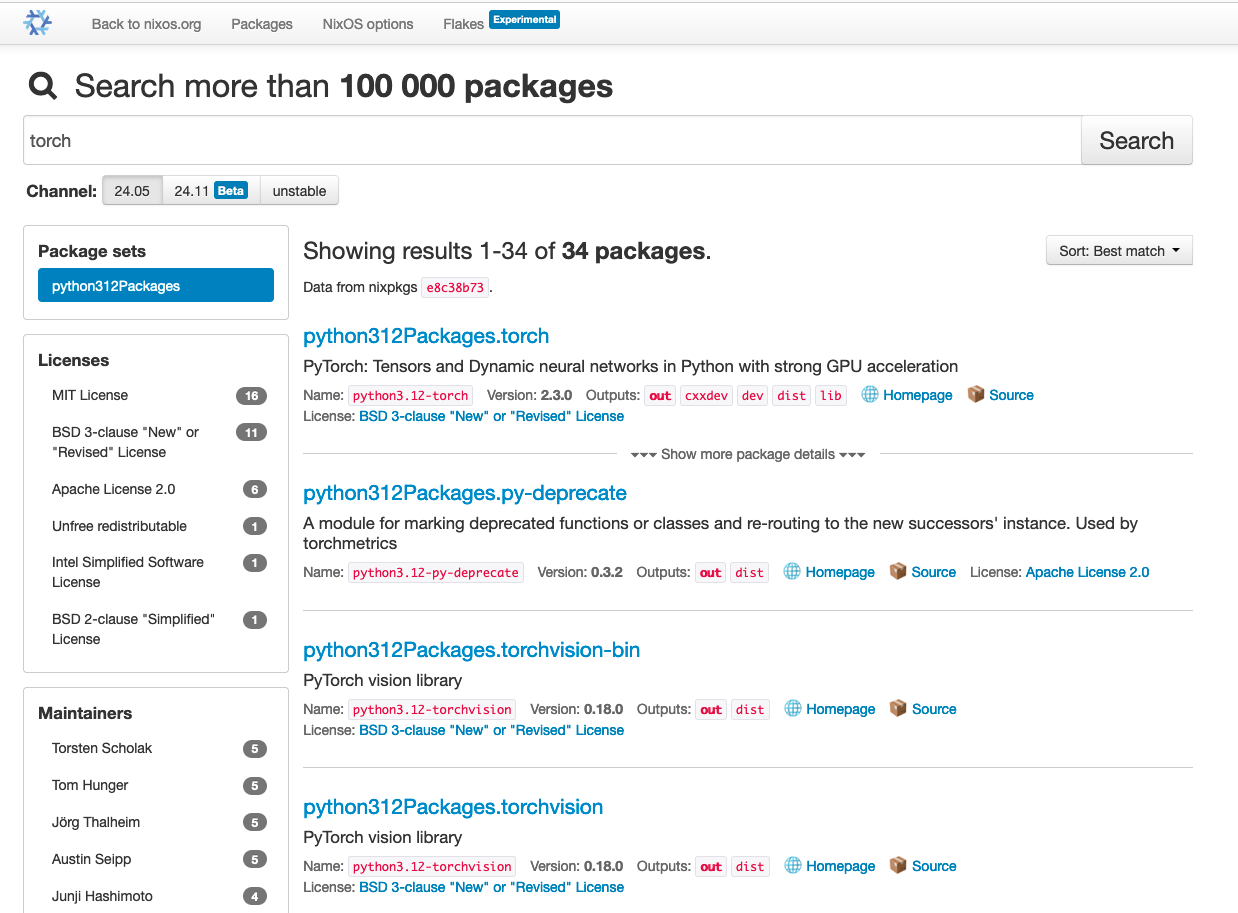
You can use the Nix package search to find Python packages. Just make sure to select pythonXXXPackages on the left side:
Adding other Packages
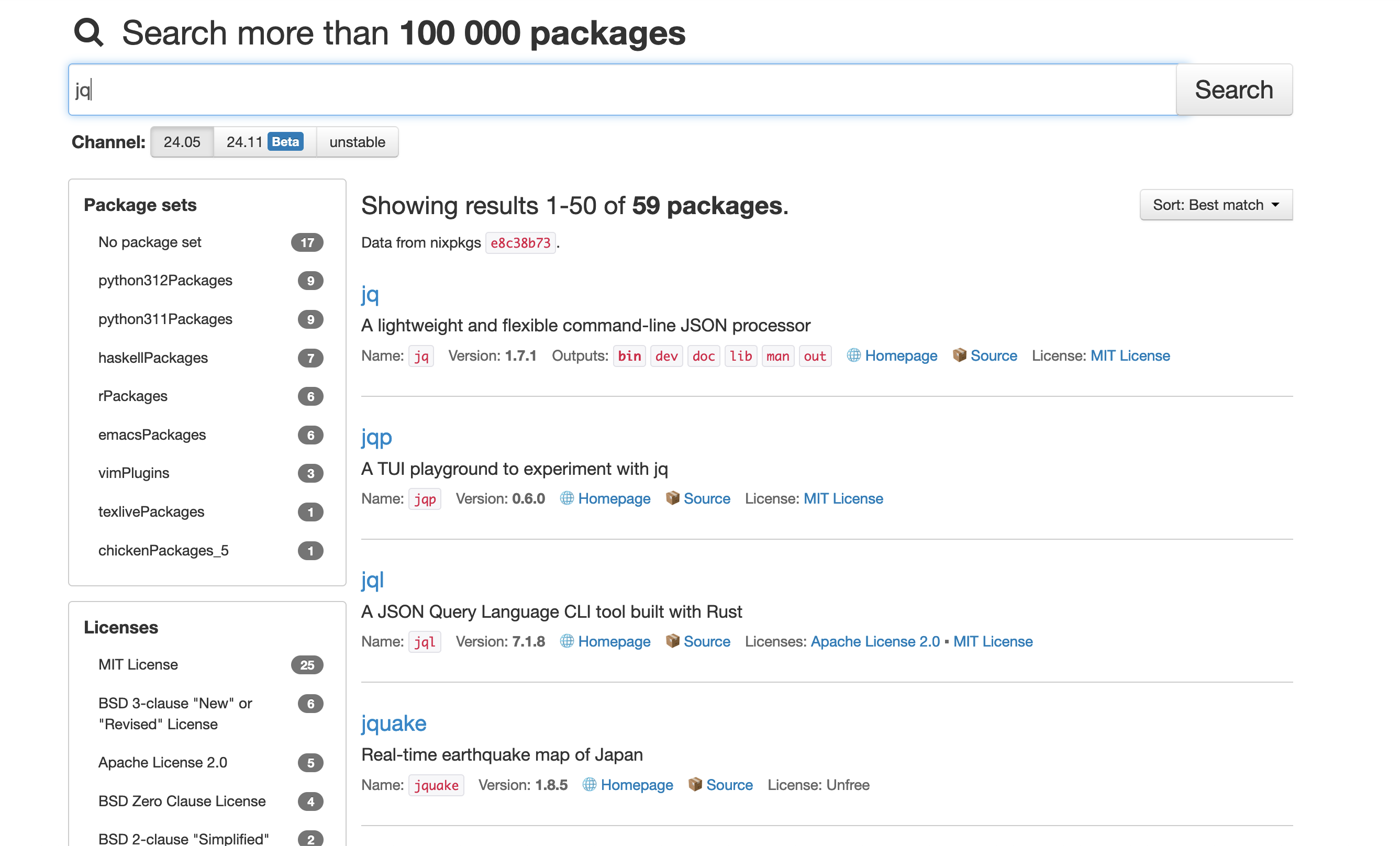
Sometimes we also need non-Python packages for our training. Programs like jq can be installed by using the packages option:
...
outputs = { nix-ai, ... }: nix-ai.lib.mkFlake {
  pythonPackages = ...

  # Define required packages
  packages = [
    "jq"
  ];

 ...
You can also the Nix package search for additional packages.
Using Presets
We recommend using presets where there are presets available. Currently we have presets for following use-cases:
...
outputs = { nix-ai, ... }: nix-ai.lib.mkFlake {
  presets = {
    datascience = true;
    huggingface = true;
    jupyter = true;
    torch = true;
  };
 ...